> For the complete documentation index, see [llms.txt](https://multx.litho.ai/llms.txt). Markdown versions of documentation pages are available by appending `.md` to page URLs; this page is available as [Markdown](https://multx.litho.ai/how-multx-works.md).
# How Multx Works
Multx operates on a decentralized multi-validator architecture where each validator functions independently. When a user initiates a token swap, validators on the Multx network observe and validate transactions across blockchains without direct interaction.
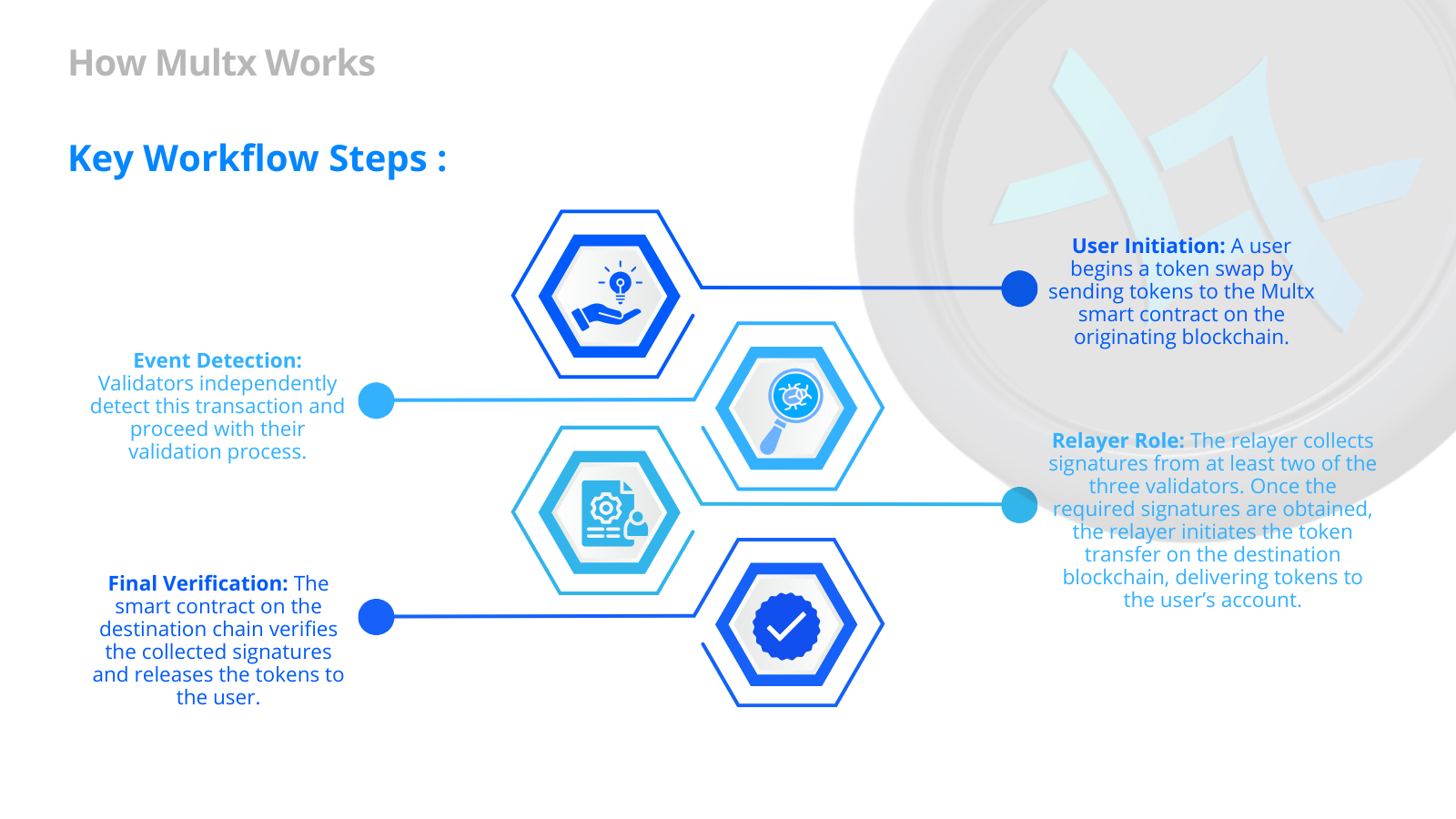
#### **Key Workflow Steps**
1. **User Initiation:** A user begins a token swap by sending tokens to the Multx smart contract on the originating blockchain.
2. **Event Detection:** Validators independently detect this transaction and proceed with their validation process.
3. **Relayer Role:** The relayer collects signatures from at least two of the three validators. Once the required signatures are obtained, the relayer initiates the token transfer on the destination blockchain, delivering tokens to the user’s account.
4. **Final Verification:** The smart contract on the destination chain verifies the collected signatures and releases the tokens to the user.